Direct answer
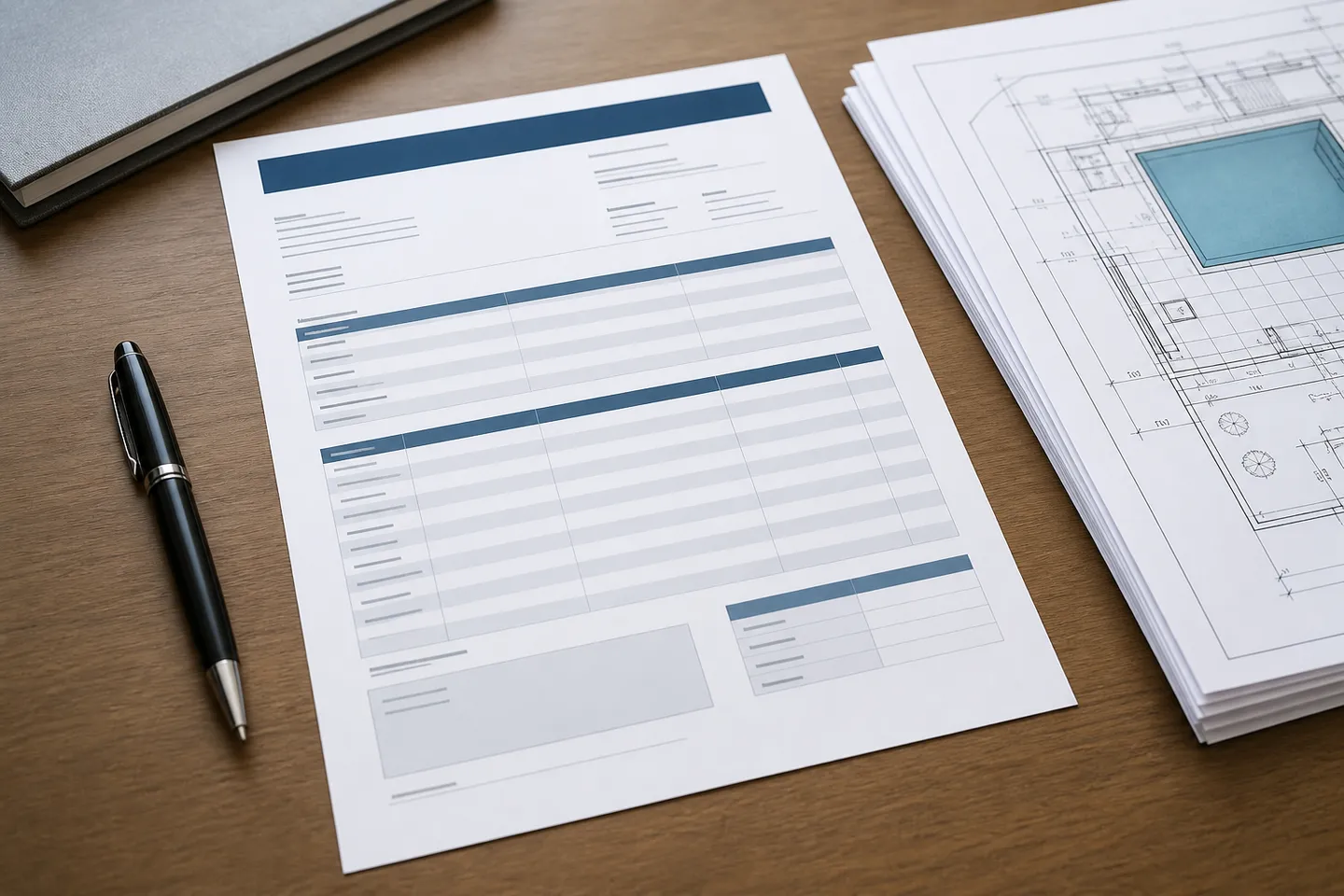
A usable pool equipment RFQ template fixes the project data, attaches one drawing set and one bill of materials, lists the documents required inside the quotation, and forces every bidder to reply line by line. The template is a brief, not a purchase order.
Key takeaways
- Send the same file to every bidder; do not brief one supplier by phone and another by email.
- Ask for exclusions in writing. Silence is not inclusion.
- Require data sheets for every substitution at quotation stage.
- Pair this template with the quote-comparison method before you award anything.
Copy the blocks below into your own document. How to run the process is in the RFQ guide. How to score replies is in compare pool equipment quotes.
1. Project header
- Project name and site location (climate matters);
- Residential or commercial; indoor or outdoor;
- Pool dimensions and volume (or attach the volume calculator result and the drawings);
- Governing code, if any;
- Target quotation date and required delivery window.
Add the RFQ number, issue date, revision and buyer contact. State whether the inquiry is for budget pricing, technical selection or an order-ready offer. List the currency and delivery location expected in the base response.
2. Design inputs
Paste or complete this block:
Pool volume: ___. Required turnover or design basis: ___. Design flow: ___. Estimated total dynamic head: ___. Intended operating modes: ___. Available electrical supply: ___. Site and climate notes: ___.
Attach the calculation or drawing reference used for these values. If a value is still open, label it as open and state when it will be confirmed. Do not replace an unknown design input with a guessed product size.
3. Attachments the bidder must use
- General arrangement and hydraulic schematic from the drawings and BOM checklist;
- Equipment schedule from the package checklist;
- Cover measurement sheet and component list, if a cover is included;
- Electrical constraints: voltage, frequency, phase.
Add a document register with title, revision and date. Ask the bidder to confirm receipt of the complete issue. If an attachment changes, reissue the register and replacement file to every bidder.
4. Scope statement to paste
Please price every line on the attached equipment schedule. Do not add alternative packages in the base bid. If you propose an equivalent, list it on a separate line with a data sheet and show the difference in design flow, head, filter area or output. State exclusions explicitly.
Add the package boundaries below the statement:
| Interface | Included by bidder | By others | Notes or drawing reference |
|---|---|---|---|
| Delivery and unloading | |||
| Valves, unions and small fittings | |||
| Electrical connection and controls | |||
| Drainage, waste and condensate | |||
| Startup and commissioning | |||
| Training and handover documents |
Expand the rows for the actual project. A blank box is not an inclusion.
5. Documents required inside the quotation
- Data sheet for each priced item;
- Installation clearance and drainage notes;
- Warranty text;
- Spare-parts list with prices;
- Packing and delivery point, especially if the order may be imported; see the importing checklist.
Ask the bidder to reference each document in the response table. This makes it possible to check that the data sheet belongs to the exact model being priced.
6. Response format
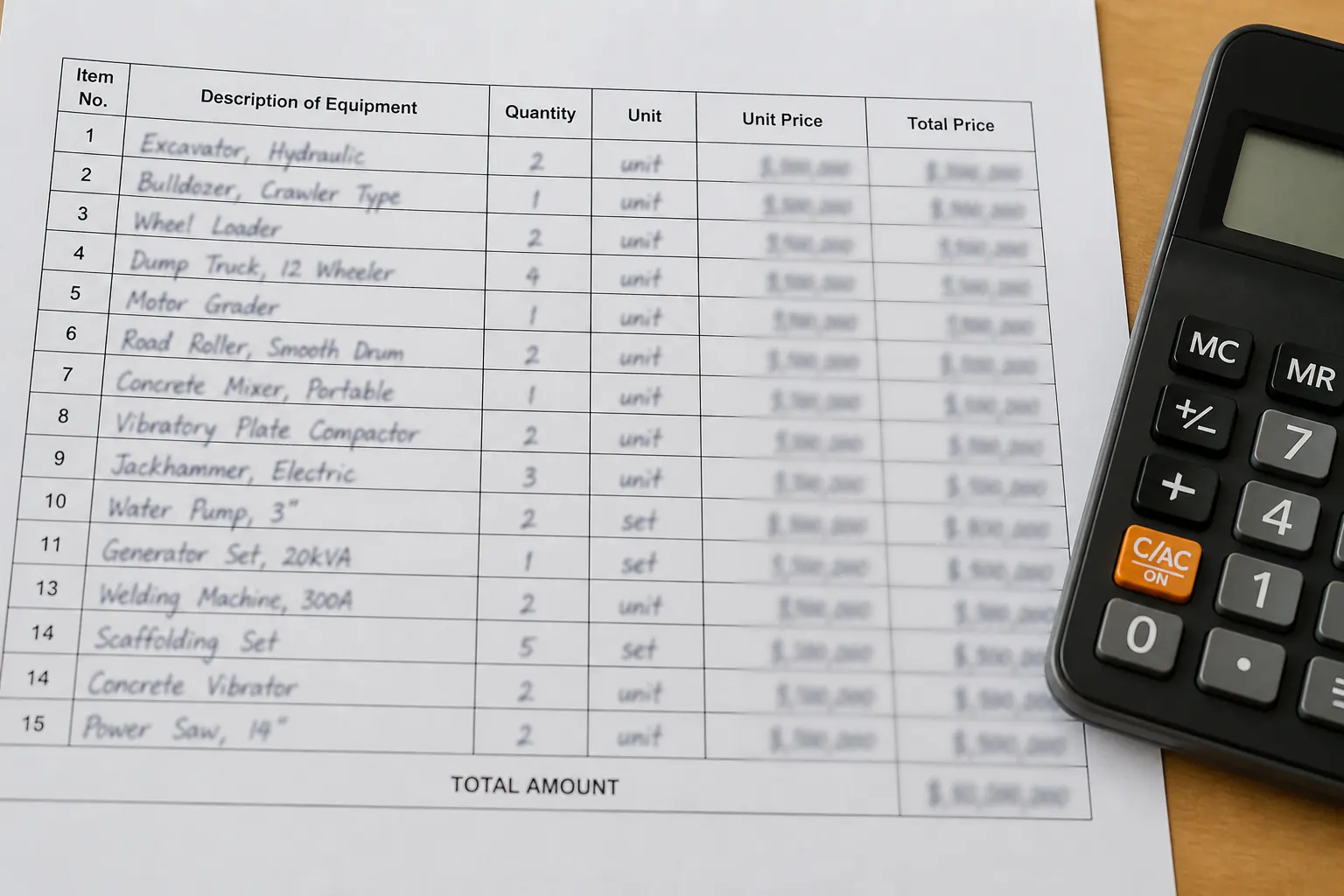
Ask bidders to return a table with these columns: item, specified product or equivalent, quantity, unit price, extended price, lead time, notes/exclusions.
Add columns for manufacturer, exact model, data-sheet reference and warranty. Keep the buyer’s item number unchanged. Alternatives should appear below the related base item, not replace it.
Use this declaration below the table:
We have priced the listed issue documents and identified all exclusions, substitutions and qualifications in this response. Items not answered remain open and are not assumed to be included.
7. Clarifications
State the deadline and email address for technical questions. Tell bidders that material answers may be shared with all participants as a written clarification. Include a place for the bidder to list every assumption used in the offer.
When the buyer issues a clarification, add it to the document register. Do not leave the final scope split between the RFQ, separate emails and a telephone note.
8. Evaluation notice
State that completeness, compatibility and documentation will be evaluated with price, using the method on the comparison page. Related working documents are in the Tools & Templates hub.
The notice can identify the information that will be checked without promising a fixed weighting. Keep technical compliance, commercial terms and delivery assumptions in separate columns during review.
9. Before converting the quote into an order
Attach the accepted equipment schedule, data sheets, clarification record, exclusions, warranty and delivery terms. Resolve any item still marked “equivalent” or “to be confirmed,” or carry it into the order with a named approval step.
The final order should use the same model numbers and scope boundaries that were evaluated. If the package changes after award, update the schedule and record the approval rather than relying on an informal substitution.
Frequently asked questions
Can I use this template for a cover-only inquiry?
Yes. Keep the project header and documentation block, replace the equipment schedule with the cover component list, and attach the measurement sheet.
Is this a legal contract form?
No. It is an editorial briefing template. Have your own commercial terms reviewed before you issue a binding order.
Sources
- Pool Pumps — ENERGY STAR Accessed August 23, 2026.
- Model Aquatic Health Code — U.S. Centers for Disease Control and Prevention Accessed August 23, 2026.
- FAR 15.203, Requests for Proposals — U.S. General Services Administration Accessed August 23, 2026.