Key takeaways
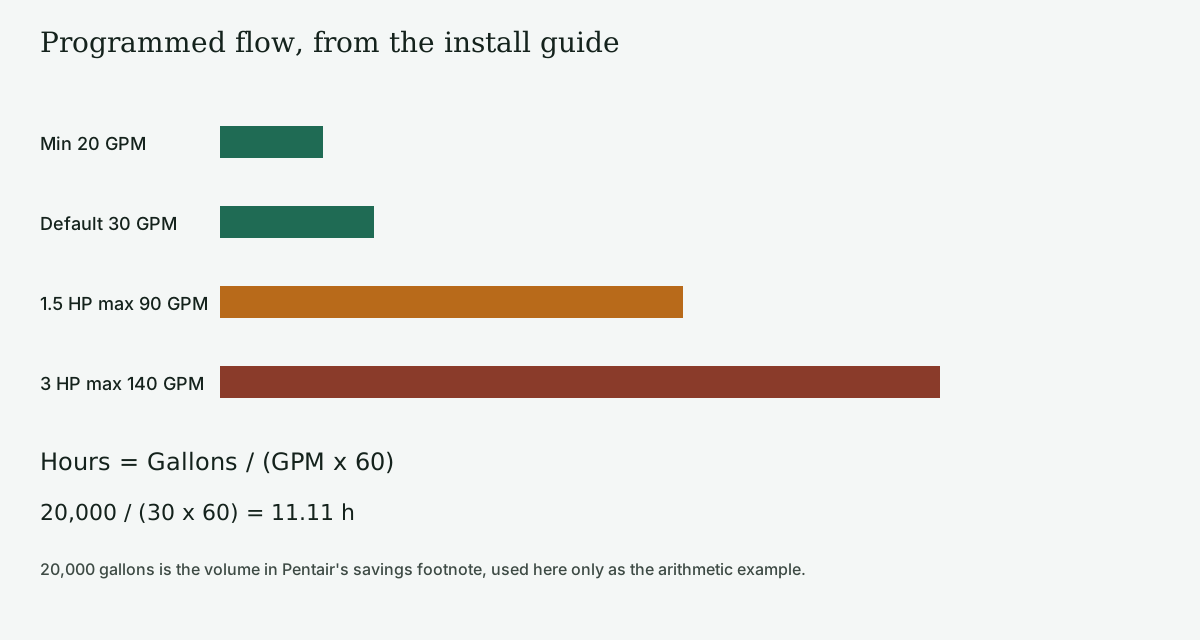
- Flow programs on IntelliFlo3 are 20-90 GPM for 1.5 HP models and 20-140 GPM for 3 HP models. A flow setpoint outside that window is outside the install guide.
- If ON/STOP is pressed before a custom schedule, Program 1 runs 30 GPM from 12 AM to 12 AM. Hours = Gallons / (GPM x 60).
- Half of 3,450 RPM cubed, times the 2,590 W maximum-input ceiling, is 323.75 W. That product is not a watt reading on the sheet.
- Flow Limit on speed programs ships disabled. A percent-speed program is not held inside the GPM window unless that limit is turned on.
Leaving the factory 24-hour schedule in place wastes runtime, and the damage is a pump that circulates all day at 30 GPM before anyone has checked the pool volume. The Pentair IntelliFlo3 VSF install guide states that flow programs can be set between 20 and 90 GPM on the 1.5 HP models and between 20 and 140 GPM on the 3 HP models. The same guide’s factory Program 1 is schedule mode at 30 GPM from 12 AM to 12 AM.
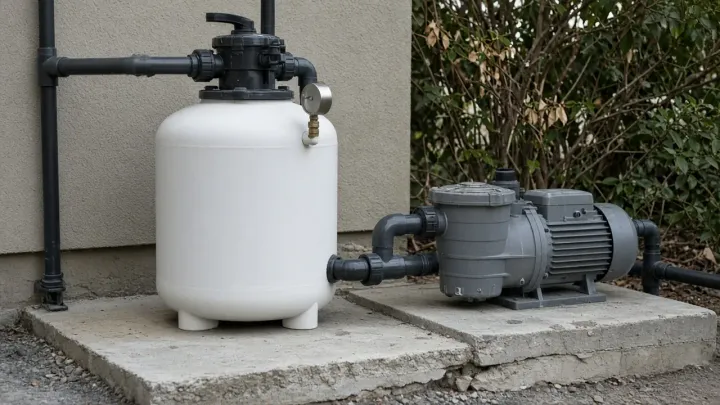
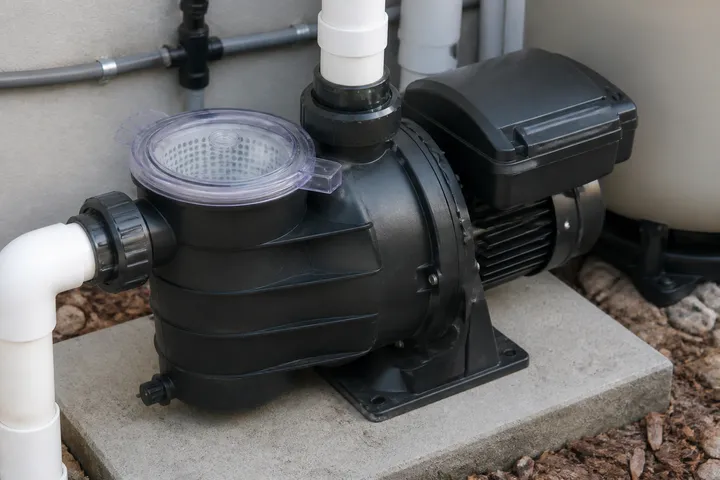
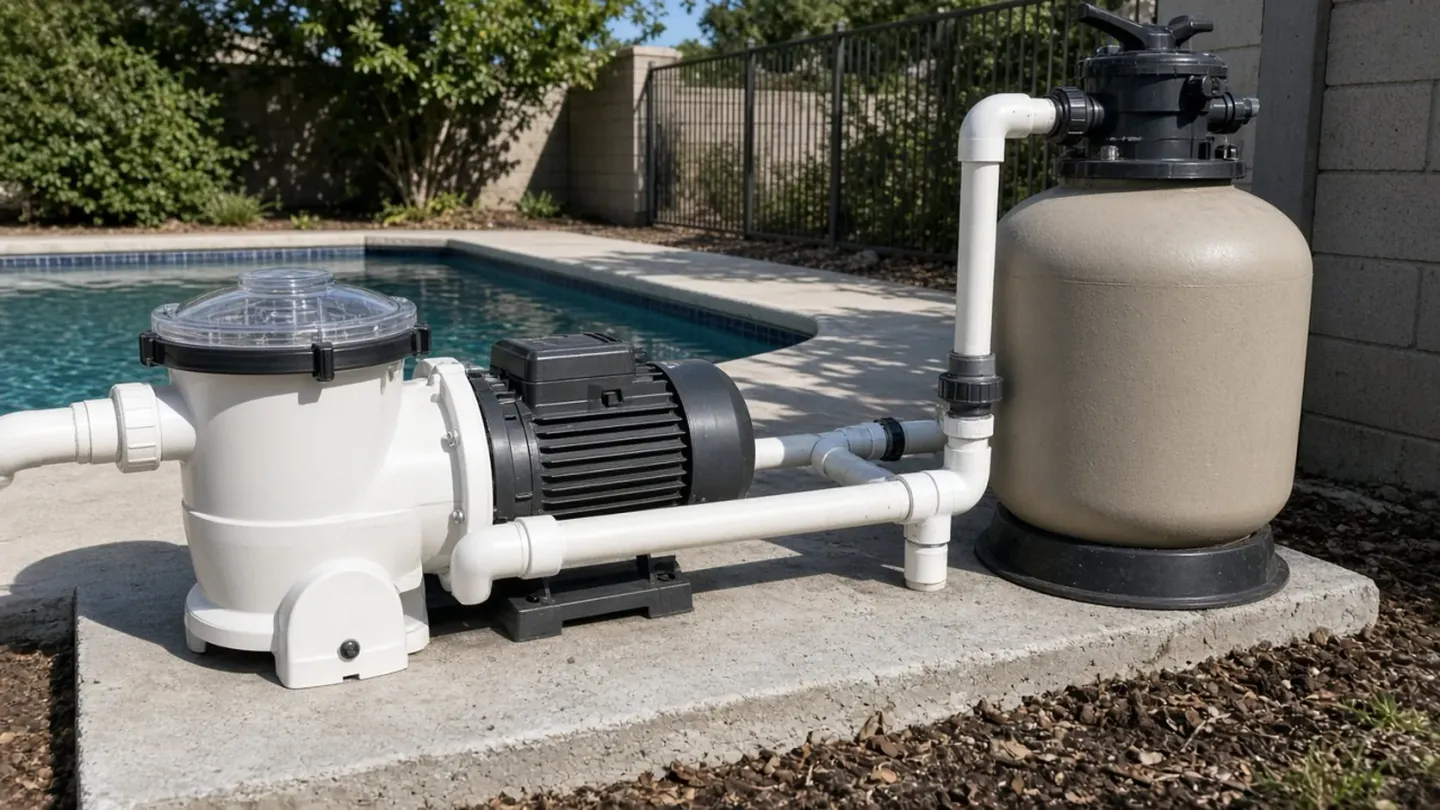
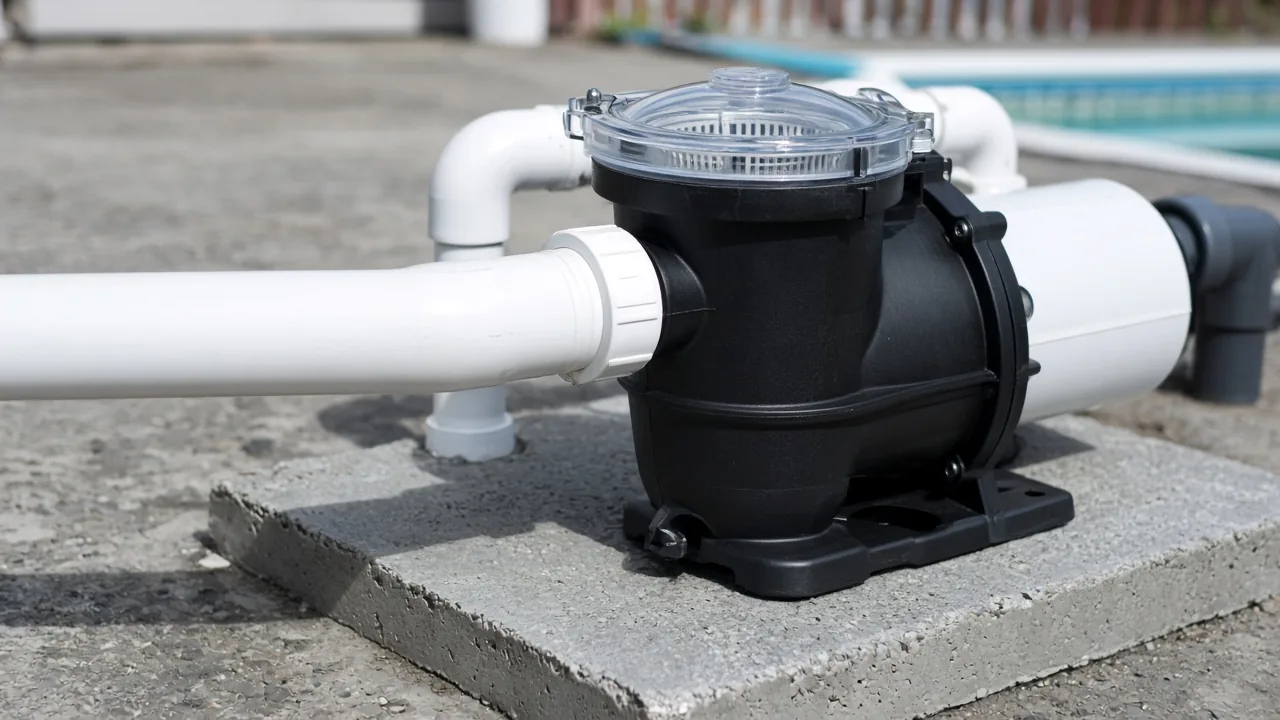
The photographs on this page are generic equipment. They are not the IntelliFlo3, and they are not a measurement of the flows below.
Two published windows, not one horsepower habit
The install guide covers IntelliFlo3 VSF and IntelliPro3 VSF. Both can run at a percentage of maximum motor speed, or hold a constant flow by letting the drive change speed. A flow program is the constant-flow choice. The allowed program range is the line quoted above: 20-90 GPM or 20-140 GPM.
Factory limits match that range. Minimum flow is 20 GPM. Maximum flow is 90 GPM on 1.5 HP pumps and 140 GPM on 3 HP pumps. On the limits screen, pump GPM will never fall under or exceed those minimum and maximum flow settings, and the guide says those settings apply to flow programs. Flow Limit on speed programs ships disabled, so a percent-speed program is not held inside the GPM window unless that limit is turned on. A flow setpoint outside the window is not a hidden extra capacity.
The specification sheet prints the electrical ceiling that goes with those windows:
Scroll horizontally to see all columns when the table extends beyond the screen.
Input is 115/208-230 V on the 1.5 HP sheet line and 208-230 V on the 3.0 HP line, 50 or 60 Hz. Full-load amps on the ordering table are 12/6.4-5.9 A and 12.4-11.2 A. Weights on that table are 48 lb and 55 lb. The install guide repeats the watt and RPM ceilings. Use the nameplate on the pump you have when a replacement drive does not match these part numbers.
WEF on this sheet is higher for the 1.5 HP models (9.4 versus 7.1). That score does not mean the smaller pump can be programmed to the 3 HP flow cap. The flow cap is the separate limit.
How to turn a required turnover into a design flow, before you pick a model, is the pool pump sizing guide. This page starts after that flow exists and asks whether it sits inside the programmed window. The rest of the circulation chain is the equipment system overview.
Hours from a flow you can point at
Turnover time in hours is pool volume in gallons divided by the product of flow in gallons per minute and 60.
Hours = Gallons / (GPM x 60)
Worked example. The volume is 20,000 gallons, which is the pool size in Pentair’s savings footnote. It is used here as the arithmetic volume, not as a savings result. Measure a different pool with the pool volume calculator before you reuse 20,000. The flow is the factory Program 1 flow of 30 GPM.
- 30 x 60 = 1,800 gallons per hour
- 20,000 / 1,800 = 11.11 hours (20,000 / 1,800 = 11.111…, rounded to two decimals)
- 30 x 60 x 24 = 43,200 gallons per day if that program is left on for the full day
The same volume at the 3 HP maximum programmed flow:
- 140 x 60 = 8,400 gallons per hour
- 20,000 / 8,400 = 2.38 hours
At the shared minimum of 20 GPM, 20,000 / (20 x 60) = 16.67 hours. At the 1.5 HP maximum of 90 GPM, 20,000 / (90 x 60) = 3.70 hours.
Rules-of-Thumb: If required filtration flow is above 90 GPM on a 1.5 HP IntelliFlo3, choose the 3 HP window or more hours, because flow programs on the 1.5 HP models stop at 90 GPM.
A second rule of thumb: if the job is daily filtration, start from 30 GPM and the manual’s speed guidance, then change the program only when the turnover hours miss the requirement you wrote down. The install guide says lower speeds are typically used for filtration and heating, and higher speeds for spa jets, water features, and priming.
Where the cube law stops being a meter
People divide speed and cube the ratio to predict watts. For the 3 HP speed ceiling, half of 3,450 RPM is 1,725 RPM. The speed ratio is 0.5. The power ratio is 0.5 x 0.5 x 0.5 = 0.125. Applying that ratio to the published maximum input of 2,590 W gives 0.125 x 2,590 = 323.75 W.
That 323.75 W is arithmetic on the maximum-input line. The sheet does not print 323.75 W, and it does not say the pump draws 2,590 W at every full-speed operating point. Maximum input watts is a ceiling. Pools also have filter pressure and elevation, so head is not pure friction. The cube law then mis-states both flow and power. Use it to see why a lower program can matter. Read watts from the drive or a meter if the bill is the question.
Runtime energy on that same ceiling is kWh = W / 1000 x hours. Using the rounded 11.11 hour example: 323.75 / 1000 x 11.11 = 3.60 kWh. The unrounded hours are 20,000 / 1,800, so 323.75 / 1000 x (20,000 / 1,800) = 3.60 kWh to two decimals (3.597 before rounding). This is still arithmetic on the ceiling, not a meter reading, and it is not the single-speed comparison in the footnote.
The specification sheet’s savings line is separate from this arithmetic. It says up to 90 percent energy savings versus a single-speed pump running 12 hours a day at an average of $0.16 per kWh in a 20,000 gallon pool, and that actual savings vary with rate, pool size, runtime, horsepower, RPM, plumbing, model, and other hydraulic factors. The sheet does not print the dollar result of that comparison. Do not turn 90 percent into a bill without the single-speed kilowatt-hours.
Defaults that run if you do not replace them
If ON/STOP is pressed before a custom schedule, the pump runs Program 1: 30 GPM, 24 hours. Quick Clean is timer mode at 70 percent speed for 1 hour, and it overrides Program 1 temporarily. External-control programs ship at 40, 60, 80, and 100 percent speed. Restoring system defaults deletes custom programs and returns these settings, and the guide says that restore keeps the PIN and network settings. A factory reset clears custom programs, the PIN, and network settings.
Priming defaults on the same table: priming mode enabled, priming speed 100 percent, maximum priming duration 11 minutes, priming range 5, delay 20 seconds. The startup steps add a harder stop: do not let the pump run longer than 30 minutes without successfully priming. A pump that is still dry at 30 minutes is a failed prime, not a program to leave overnight.
Pressure defaults: maximum pressure 20 PSI on 1.5 HP pumps and 30 PSI on 3 HP pumps, with the pressure limit on speed programs disabled. Those numbers are factory settings in the table, not a filter-cleaning interval. The pressure limit, like the flow limit, applies to flow programs unless the speed-program pressure limit is enabled. How to log the gauge you actually have is the filter pressure baseline.
Failure modes
The expensive miss is treating maximum flow as the filtration setpoint. On the 3 HP window, 140 GPM turns the 20,000 gallon example over in 2.38 hours and, if left on the 24-hour pattern of Program 1, moves 140 x 60 x 24 = 201,600 gallons a day. That is 201,600 / 43,200 = 4.67 times the daily volume of the 30 GPM default. The manual reserves the high speeds for jets, features, and priming. That excess daily volume is the dominant failure mode on the 3 HP row, and the prevention is a short high program instead of a 24-hour one.
The second miss is a flow the model cannot hold. A 1.5 HP flow program stops at 90 GPM. Asking it for the 3 HP cap does not create the missing 50 GPM. Port size differs too: the 1.5 HP ordering line is 1.5 or 2 inch, and the 3 HP line is 2, 2.5, or an optional 3 inch kit, part 410029 in the install guide.
The third miss is chemistry in the strainer. The guide says not to add chemicals directly in front of the pump, and that undiluted chemicals can damage the pump and void the warranty.
A program you can defend
- Write the pool volume and the turnover hours the project actually requires. The sizing guide keeps that requirement separate from horsepower.
- Convert with Hours = Gallons / (GPM x 60), and solve for GPM.
- Put that GPM next to the model window: 20-90 or 20-140. If it falls outside, the program is the wrong model or the wrong hours, not a hidden menu.
- Leave filtration near the low end of the window unless the hours miss. Use a short higher program for jets, features, or priming, inside the same window.
- Replace Program 1 before the first ON/STOP if 24 hours at 30 GPM is not the schedule you want. Confirm prime within the 30-minute startup limit.
The sheet’s “up to 90 percent” line remains a comparison under the footnote’s conditions. The number you can recompute on site is the turnover hours at the flow the drive is actually holding.
Frequently asked questions
What flow does an IntelliFlo3 use if nobody programs it?
The install guide says that pressing ON/STOP before a custom schedule runs Program 1 at 30 GPM from 12 AM to 12 AM, which is 24 hours. Quick Clean overrides that for 1 hour at 70 percent speed.
Can the 1.5 HP IntelliFlo3 be set to 140 GPM?
The install guide caps 1.5 HP flow programs at 90 GPM. The 140 GPM cap belongs to the 3 HP models. Factory max-flow settings use those same caps.
Does half speed use one eighth of the maximum watts?
The cube law predicts that ratio only when head is all friction and the full-speed watts are known. Pentair prints 2590 W as the 3 HP maximum input, not as a half-speed measurement. Treat 323.75 W as arithmetic on that ceiling, not as a meter reading.
Sources
- IntelliFlo3 VSF / IntelliPro3 VSF Installation and Maintenance Guide — Pentair Accessed October 20, 2026.
- IntelliFlo3 Variable Speed and Flow Pump specification sheet — Pentair Accessed October 20, 2026.