Key takeaways
- The guide's pounds are for 24 hours at 100 percent. Scale them by valid chlorinating hours and by the output percent, which is a share of pump-run time.
- The product page calls the LT25 a 25K Cell. The installation guide lists that model at 30,000 US gallons and 0.9 lb. Copy the guide row that matches the nameplate.
- Hours below 25 gpm, below the 52 F shutoff, or in a low-salt shutoff do not count. The ADD SALT band has no published reduction factor, so leave the estimate blank.
- The pound figure is not a free-chlorine reading. Wait 24 hours after an output change. This guide's band for adjusting the cell is 2 to 4 ppm.
Choosing the wrong salt cell from a gallon label leaves the pool short of chlorine on the hours the pump actually runs. Copy the published pounds per 24 hours at 100 percent, then keep only the hours the cell can chlorinate and the output percent on the panel.
What size salt cell do you need for your pool? You need the model whose published pounds, scaled by valid chlorinating hours and by the output percent, can be checked against a free-chlorine test. The numbers in the table below are the current Pentair IntelliChlor Plus and LT rows, not a size for every brand. Pool volume, if you still need it, comes from the pool volume calculator or the drawings. This page does not copy the cell manual’s pool-size formulas.
Scroll horizontally to see all columns when the table extends beyond the screen.
Which published pounds match the nameplate?
Installation guide P/N 523854 Rev. B, dated 6/25/25, prints one production note under the model table: the figures are based on 100 percent output over 24 hours of operation. The same Pentair product page, fetched 2026-10-11, prints those productions as pounds per 24 hours at 100 percent. Use the row whose model matches the cell. Do not average the rows, and do not treat the list as a ranking.
Scroll horizontally to see all columns when the table extends beyond the screen.
The product page prints the same five productions as 0.65, 0.90, 1.10, 1.40, and 2.00 lbs per 24 hours at 100 percent. The guide also prints liters in those cells: 56,800; 113,600; 113,600; 151,500; and 227,200.
Two models share a gallon column and do not share a production. LT25 and PLUS30 are both listed at 30,000 US gallons. The guide gives LT25 0.9 lb and PLUS30 1.1 lb. A 30,000-gallon label does not tell you which pounds to write down.
The product page description calls the LT25 a 25K Cell and the LT15 a 15K Cell. The guide’s pool-volume column for the LT15 is 15,000 US gallons, which matches that nickname. The guide’s pool-volume column for the LT25 is 30,000 US gallons, which does not match a reading of 25K as 25,000 gallons. Copy the guide row for the model on the cell.
The gallon column is the manufacturer’s labeled pool volume for that model. It is not a measurement of your pool. If the drawings and the pool volume calculator disagree with that label, keep both numbers on the sheet and do not force them to match.
Which hours count as chlorinating time?
The guide says chlorine production can be changed by the output percent or by the number of hours the cell operates each day. The cell produces chlorine only while the filter pump is running. It also says the cell will not produce chlorine unless the flow sensor sees at least 25 gpm (94.6 L/min). A green FLOW light means that minimum is met. WAITING FOR FLOW means the rate is under 25 gpm, and those hours stay off the sheet.
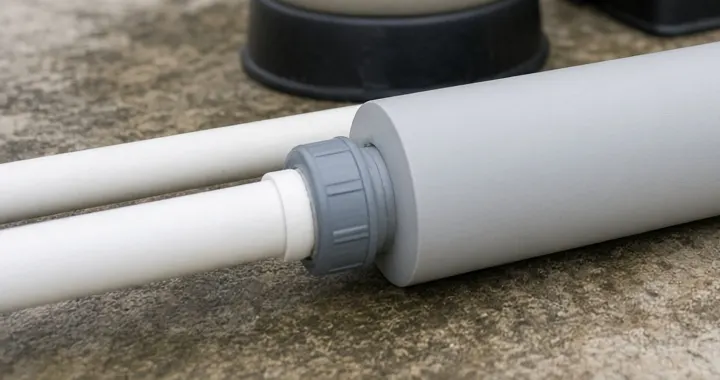
Above 80 gpm (302.8 L/min), the guide says to use a bypass loop so the cell can sense flow. It does not say production stops at 80 gpm. Do not drop those hours unless the panel shows WAITING FOR FLOW. Whether the pump’s operating point stays at or above 25 gpm is a pump question. Use the pool pump sizing guide for flow and head. Do not redo that calculation here.
Cold water has its own shutoff. The guide says the cell deactivates and will not produce chlorine when water temperature drops below 52 F plus or minus 3 F. The troubleshooting chart calls SYS OFF LOW TEMP a water temperature below 52 F (11.1 C), with no chlorine until the water rises to 52 F. Hours under that shutoff do not count.
The product page describes a different warning step. It says a LOW TEMP message appears when water falls below 60 F (15 C), and that the unit shuts off at 52 F with SYS OFF LOW TEMP. The guide’s message table describes LOW TEMP as measured water temperature below 52 F. Those two Pentair statements do not match. Count hours with the guide’s shutoff, and write down the message the panel actually shows.
Salt alerts change the rate, and one of them stops production. The chart says salinity below 3,000 ppm raises ADD SALT, and salinity below 2,600 ppm raises SYS OFF LOW SALT, with no chlorine. The ADD SALT band is written as salinity between 3,000 and 2,600 ppm, and the chart says chlorine is produced at a reduced rate. It does not give that factor. While ADD SALT is on, leave the pound estimate blank. Hours in SYS OFF LOW SALT do not count. The ideal salt level printed on the panel and on the product page is 3,600 ppm. Above 4,500 ppm the chart says HI SALT: chlorine is still produced, and high salinity may damage other pool components and surfaces. The pound estimate is not a reason to leave the salt there. The guide also says salt above 6,000 ppm can accelerate corrosion.
The guide recommends that all water in a residential pool pass through filtration at least once every 12 hours. It also says a pool professional should set the run time for that pool. The 12-hour line is not a cell size. Write the hours you will actually run, then cross out any hour the panel cannot chlorinate.
What does the output percent do to those pounds?
The guide defines cell output percent as the percentage of time the cell produces chlorine while the pump is running. At 100 percent, chlorine is produced continuously during that run. At 80 percent, the cell is allowed to rest 20 percent of the time the pump is running. The output buttons move in 10 percent steps. A CHLORINATING light that is off during an off-cycle is normal. It is not, by itself, a failed cell.
When the cell is connected to an automation system, those buttons are disabled. The percent has to be read and changed on the automation panel. If SmartSense or another automatic feature is connected, read the percent the panel is using. The product page says SmartSense can adjust production when the cell is connected to an IntelliFlo pump or a pool cover. This page does not have a published amount for that adjustment, so the sheet uses the percent on the display, not a guessed offset.
Boost is a separate mode. The guide says boost raises output to 100 percent for the next 24 hours of cell operation, and the boost timer counts down only while the cell is actively producing chlorine. If flow stops, the countdown stops. Boost does not create 24 clock hours of chlorine while the pump is off.
The unit check below is arithmetic from those two published definitions. The guide does not print this multiplication, and the result is not a water test.
Estimated pounds = published pounds per 24 hours at 100 percent x (valid hours / 24) x (output percent / 100).
Worked example, with the hours and the percent assumed on the sheet, not measured on a pool:
Scroll horizontally to see all columns when the table extends beyond the screen.
If that same sheet showed ADD SALT, SYS OFF LOW SALT, SYS OFF LOW TEMP, or WAITING FOR FLOW, the 0.35 lb line would not stand. Fix the alert or remove the blocked hours, then do the arithmetic again.
What should the water test show?
The cell is built to produce chlorine. The guide says it does not monitor or control the chlorine level. That job stays with the person testing the water.
After an output change, wait 24 hours before testing free chlorine. Take one sample at the return line and one 18 inches (45.7 cm) below the surface, away from the return. The return sample should read higher if the cell is producing. For adjusting this cell, the guide says to raise the percent when free chlorine is below 2 ppm and lower it when free chlorine is above 4 ppm, and to continue until the level is stable between 2.0 and 4.0 ppm. That band is the instruction in this residential guide. It is not a commercial residual. Adopted venue rules sit outside this checklist; the pool equipment system overview separates adopted obligations from equipment choices.
The troubleshooting chart lists causes the pound estimate does not include: output set too low, run time too short, rain, leaves, fertilizer, a heavy bather load, salinity alerts, nitrate or phosphate or metal levels, a dirty or scaled cell, and low cyanuric acid in an outdoor pool. The guide says not to use cyanuric acid in an indoor pool. The dosing amounts stay in the guide’s chart. This page does not copy them.
At startup, the guide says a high chlorine demand can keep the cell from reaching 2 to 4 ppm. It tells you to super-chlorinate with a shock treatment, then wait until free chlorine is back between 2 and 4 ppm before operating the cell. On a newly surfaced plaster pool, the guide says to wait at least one month after construction before adding salt and operating the cell. On a new vinyl liner, it says to follow the liner manufacturer before adding salt.
Does the power supply match this model?
The wrong supply is a stop, not a line in the pound estimate. The guide says to connect an IntelliChlor LT15 only to an approved LT15 power pack, part number 523753, or to a PC100 power center. Operating the LT15 with an older IntelliChlor or iChlor power pack will permanently damage the cell electronics. The product page says every other unit in this series is compatible only with the existing PC100.
Copy the input line for the supply that is on the wall. In the guide’s technical data, the PC100 input is 110-120 VAC, 50/60 Hz, 242 watts, 2.2 A, or 220-240 VAC, 50/60 Hz, 242 watts, 1.1 A. Its circuit protection is listed as 110 V, 15 A, single-pole, or 220 V, 20 A, two-pole. The LT15 power pack input is listed as 110-120 VAC, 50/60 Hz, 96 watts, 0.9 A, with output 28 VDC, 3.6 A maximum, and a two-pole 20 A device at the panel. The product page states a series operating range of 115 VAC and 230 VAC, plus or minus 10 percent. That sentence is not the same as the two input lines above. Use the line that matches the installed supply.
The guide also says the cell must be wired to the load side of the pump timer, relay, or automation system, so it receives power only when the filter pump is running. There is no wiring procedure on this page.
What do you keep?
Fill this record for the cell you have. Keep it with the manual. The other equipment guides are collected on the pool equipment hub.
Scroll horizontally to see all columns when the table extends beyond the screen.
When this check does not apply
Stop using these pounds when the nameplate is not an IntelliChlor Plus or LT model from guide P/N 523854. Stop the arithmetic while ADD SALT is on, because the reduced rate is not published. Drop hours the panel marks as no flow, low-temperature shutoff, or low-salt shutoff. Do not use the 2 to 4 ppm band as a commercial code requirement. Do not start the cell during the guide’s one-month wait on new plaster.
A cell that passes this sheet can still test low. The chart’s other causes, including a dirty cell and bather load, are still open until the water test says otherwise.
How this page was checked
The model rows, the 24-hour 100 percent note, the output-percent definition, the 25 gpm and 80 gpm flow lines, the 52 F shutoff, the salt alerts, the 2 to 4 ppm test, and the LT15 power-pack warning are from Pentair installation guide P/N 523854 Rev. B, dated 6/25/25. The product-page productions, the 25K and 15K labels, the 60 F LOW TEMP wording, the PC100-only line for the other models, and the 115 VAC and 230 VAC range are from Pentair’s IntelliChlor Plus and LT product page. Both copies were fetched on 2026-10-11 and read again for this page. Where the page and the guide disagree, the checklist says so and uses the guide for the hour count.
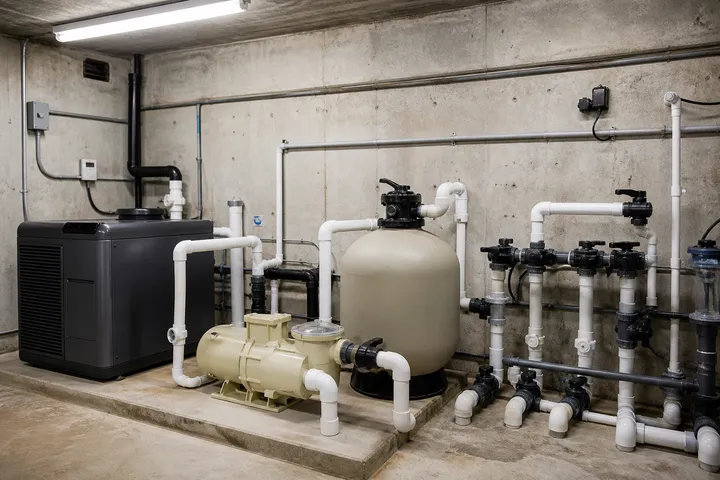
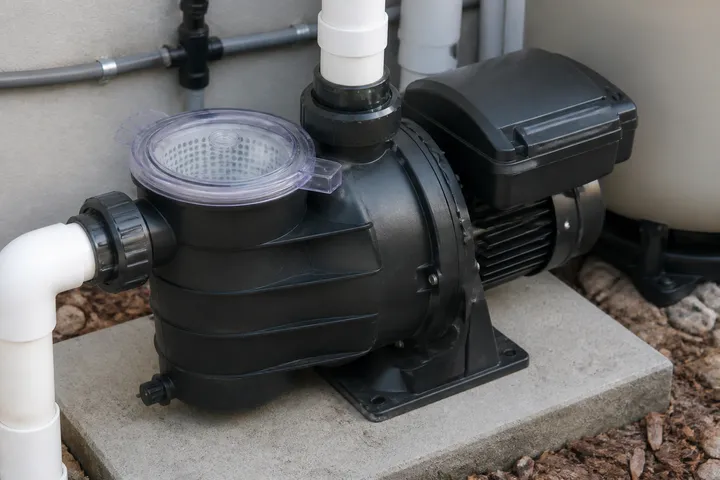
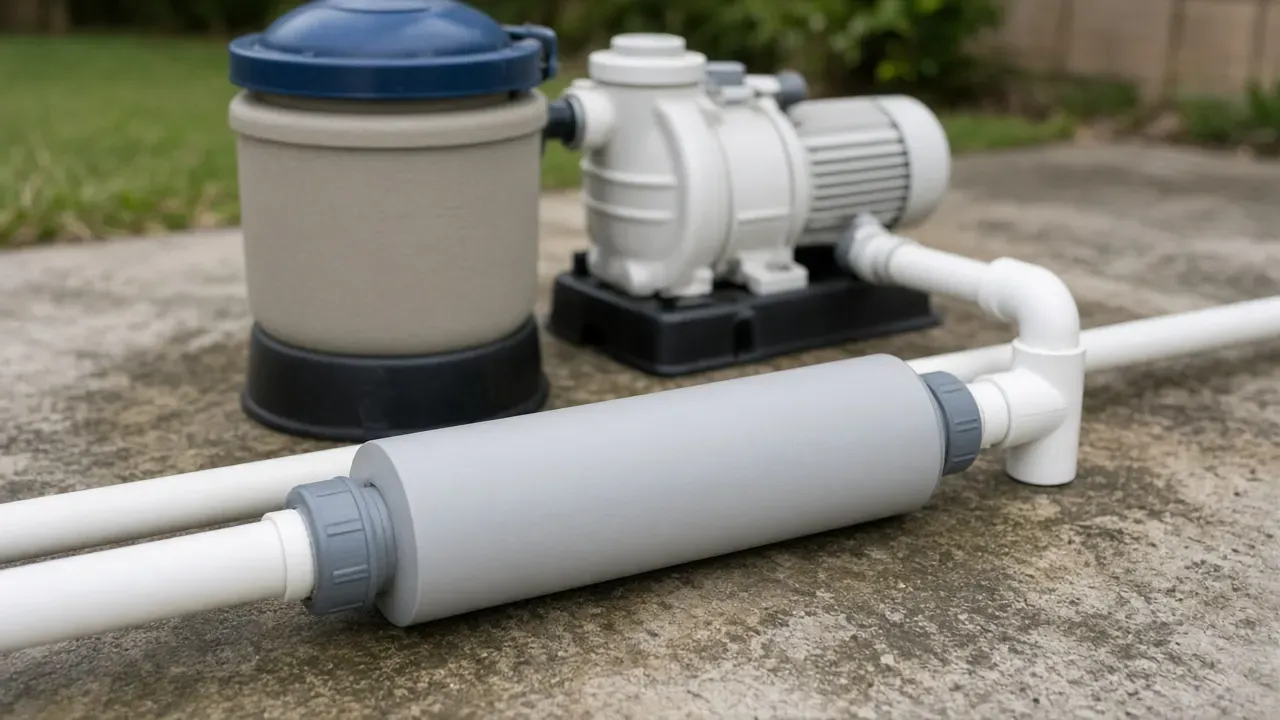
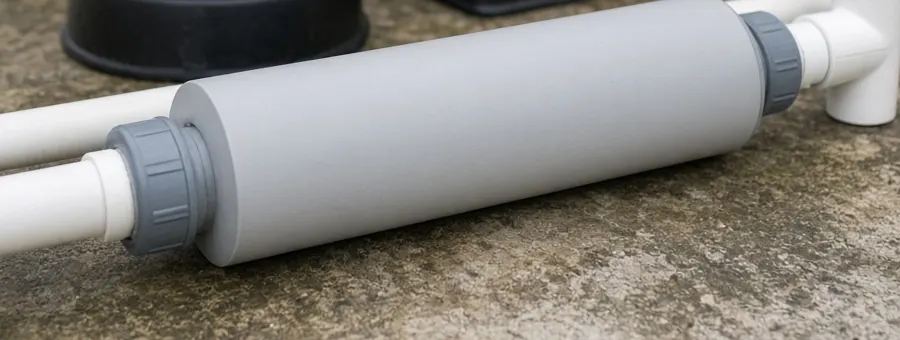
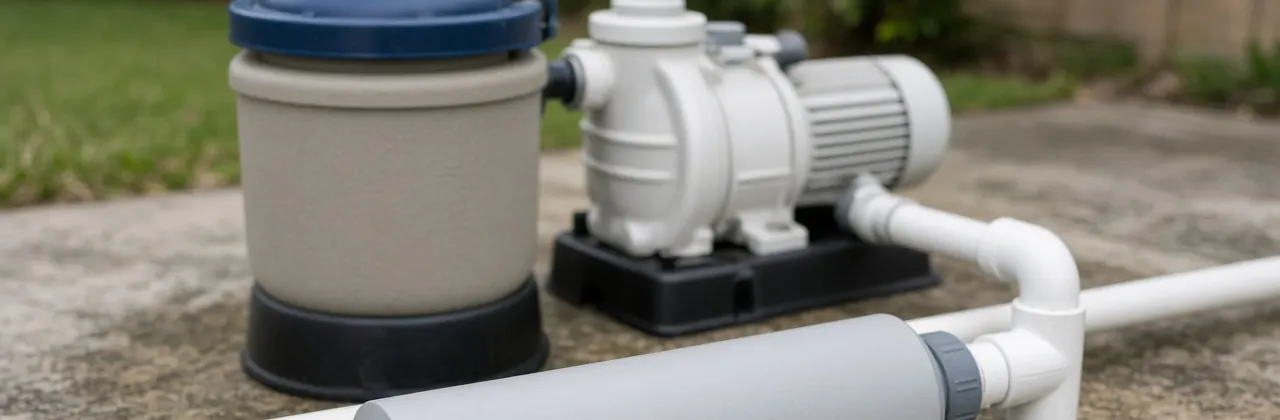
The 0.35 lb line is arithmetic on a PLUS40 row with assumed hours and an assumed 50 percent setting. It is not a test result. The photographs are an unlabeled example of a cell on a pad. They are not a Pentair model, a customer pool, or a flow measurement.
Frequently asked questions
What if the salt cell is not a Pentair IntelliChlor Plus or LT?
Leave the pound column blank and open the manual for the nameplate you have. The rows below are only the IntelliChlor Plus and LT models in Pentair guide P/N 523854 Rev. B, dated 6/25/25. Another brand's gallon label does not use this production table, and this page does not rank brands.
Why does the LT25 say 25K when the guide lists 30,000 gallons?
The product page description calls the LT25 a 25K Cell and lists 0.90 lb per 24 hours at 100 percent. Installation guide P/N 523854 lists the LT25 pool volume as 30,000 US gallons and production as 0.9 lb. Use the guide row. Do not turn the 25K label into 25,000 gallons.
What if the pound estimate is fine but free chlorine is still under 2 ppm?
The guide's troubleshooting chart treats low output, short run time, rain, bather load, salt alerts, a dirty cell, and outdoor cyanuric acid as separate causes. The pound arithmetic does not include those loads. Raise the output percent or the pump time only as that chart says, then retest after 24 hours.
Sources
- IntelliChlor Plus and LT Salt Chlorine Generators — Pentair Accessed October 13, 2026.
- IntelliChlor Plus and LT Installation and Maintenance Guide, P/N 523854 Rev. B — Pentair Accessed October 13, 2026.