Key takeaways
- Record the full tank model and manufacturing information before comparing cartridge listings. Keep the complete-filter number separate from the element part number.
- Pentair's older RP parts sheet and its 2025 RP manual list different cartridge numbers. Confirm the applicable replacement rather than assuming a universal interchange.
- The Plus parts sheet specifies four elements. Check whether a seller's listing supplies one element or a complete set.
Ordering by brand and filter area alone can leave you with the wrong element or too few cartridges. To identify a pool filter cartridge for Pentair, match the tank’s full series and model to its official parts document, then confirm the element number, applicable version and order quantity. This guide covers Clean & Clear, Clean & Clear RP and Clean & Clear Plus. It gives you a record to complete before ordering; it does not certify every aftermarket cross-reference.
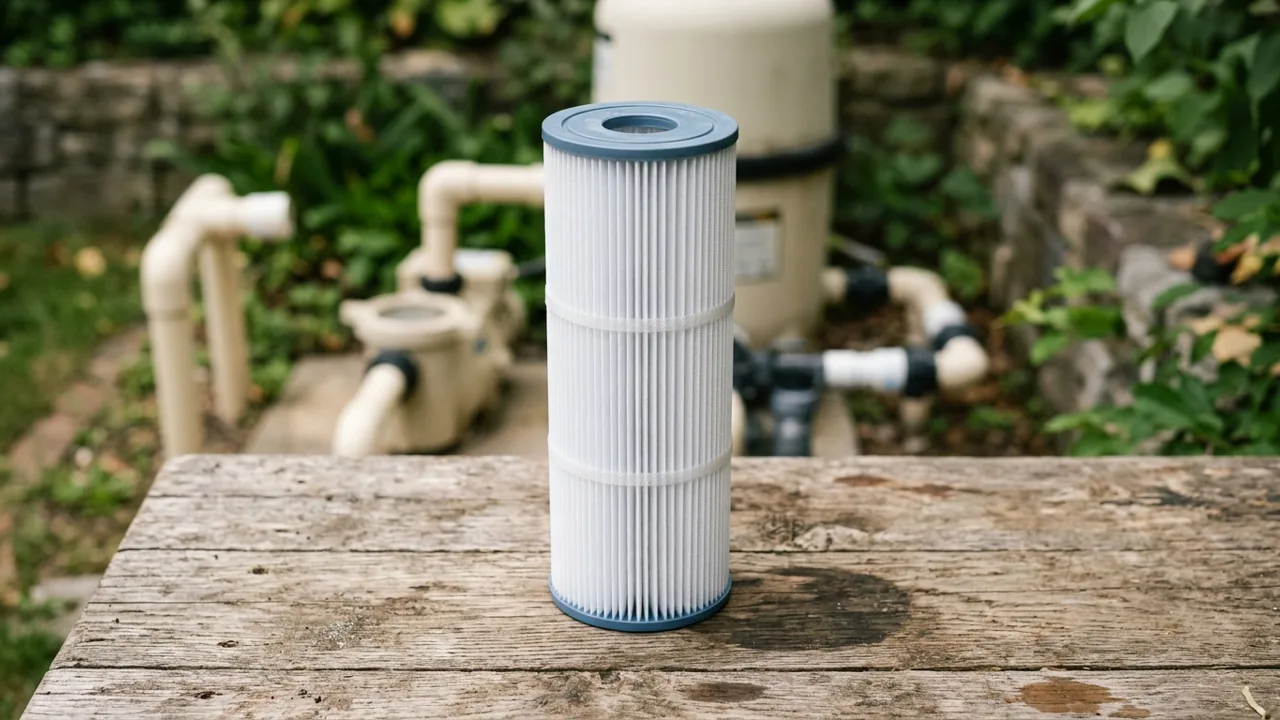
Start with the tank, then identify the element
Photograph the tank label and copy its full model designation, product number, serial number and manufacturing date wherever they are available. Keep the words RP and Plus in the record. Do not shorten every family to “Clean & Clear.”
Separate the complete-filter product number from the replaceable cartridge number. In Pentair’s Clean & Clear / Predator sheet, for example, the cartridge is item 8; the center core is item 7. Ordering the core or the complete tank is a different purchase. The exploded drawing’s item number is also different from the part number used to order the component.
Scroll horizontally to see all columns when the table extends beyond the screen.
Collect the exterior label first. Internal inspection belongs within the installed model’s safe service procedure. The RP manual warns that the system operates under pressure: turn off the pump and automatic controls, relieve pressure and stand clear as instructed before service. Have a qualified pool professional handle opening and reassembly if needed. This page is an identification record, not a tank-opening or restart procedure.
If you are still choosing a filtration medium, use pool filter types compared. The checks here start with an existing cartridge-filter tank.
Choose the correct Clean & Clear document
These are document routes, not a statement that similarly named tanks accept the same cartridge.
Scroll horizontally to see all columns when the table extends beyond the screen.
For the Clean & Clear / Predator sheet specifically, item 8 lists these examples. Read the matching drawing and scope before using a row:
| Filter area named in that sheet | Cartridge element part number |
|---|---|
| 50 sq. ft. | R173213 |
| 75 sq. ft. | R173214 |
| 100 sq. ft. | R173215 |
| 150 sq. ft. | R173216 |
| 200 sq. ft. | R173217 |
That makes R173217 an official 200 sq. ft. entry in this document. It does not make every listing headed “pool filter cartridge for 200 sq ft” suitable for every Pentair tank. Use the full series, model and applicable document together.
RP owners: resolve the document-version conflict
Two official documents fetched on October 15, 2026 show different cartridge numbers. Pentair’s RP replacement-parts sheet lists the older R-series entries. The replacement-parts page of its RP installation guide, P/N 178742 Rev. D, dated August 20, 2025, lists ULTRA entries instead.
Scroll horizontally to see all columns when the table extends beyond the screen.
Do not infer universal interchangeability from these two columns. They report what each document prints. If your old cartridge marking, manual and offered replacement disagree, record both numbers and ask Pentair or the supplying dealer to confirm the current replacement for the exact tank. Keep that confirmation with the order. Neither document, as read for this guide, establishes a blanket equivalence for every production version or aftermarket product.
A seller’s cross-reference can help locate a candidate. It should not erase the unresolved document conflict. Leave the approved replacement cell blank until the model-specific answer is clear.
Plus owners: distinguish total area from element quantity
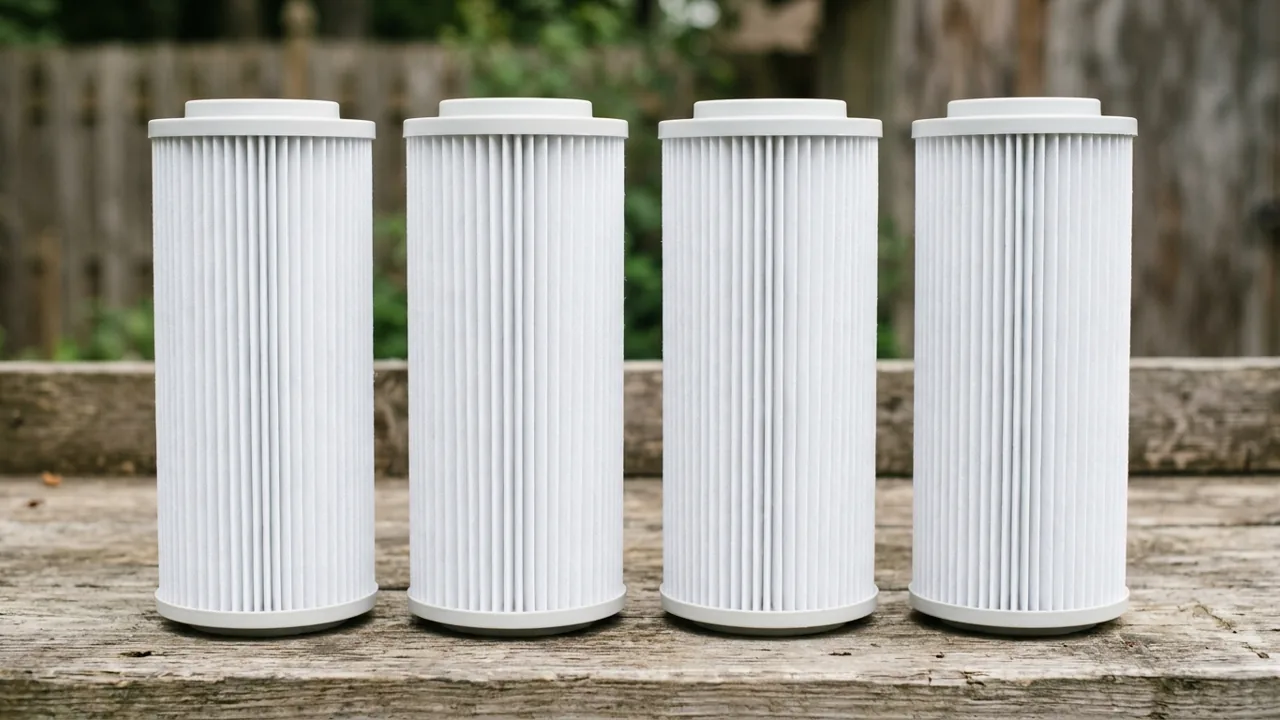
Pentair’s product page lists CCP240, CCP320, CCP420 and CCP520 with total filter areas of 240, 320, 420 and 520 sq. ft. Its Plus parts sheet lists four required for each cartridge row below. Check whether the offered package contains one element or all four.
Scroll horizontally to see all columns when the table extends beyond the screen.
For the listed four-element 420 sq. ft. configuration, dividing the total area by four gives 105 sq. ft. per element. That is arithmetic from the documented total and quantity. It is not a cartridge length, opening size or replacement part number. A single element and a complete 420 sq. ft. set describe different order quantities.
The same sheet includes older internals with their own dates, including entries for 360 and 500 sq. ft. equipment. Do not force an older tank into the nearest modern row. An unlisted model or uncertain manufacturing date needs a confirmed parts match; this table leaves that answer open.
Cross-check dimensions and end caps before approving an alternative
Record overall cartridge length, outside diameter, top and bottom opening dimensions, and end-cap form using the seller’s stated measurement method. Compare them with the removed element and the documentation for the proposed replacement. Keep the units beside every measurement. A photograph helps show whether an end is open or closed, but cannot supply a diameter.
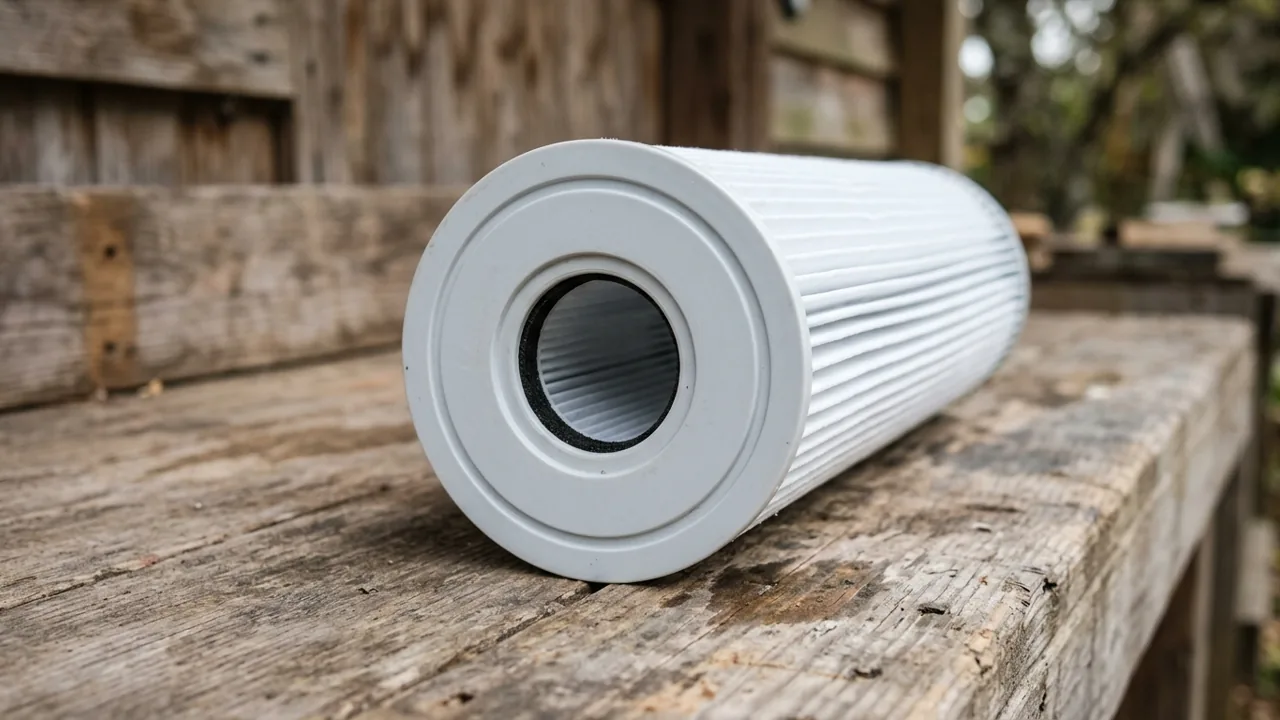
This is a secondary cross-check. Similar dimensions alone do not resolve a different specified part number, sealing arrangement or document revision. The official documents used here do not provide a complete dimensional compatibility database, so this page supplies no guessed measurements. If the old element was previously mismatched, copying it can repeat the error; reconcile the tank’s parts specification as well.
Do not use appearance, claimed service life or a low price as evidence of fit. This guide has not tested aftermarket alternatives and does not rank them. For deciding when to clean an identified RP filter, use the separate filter pressure baseline log; a pressure reading is not a cartridge identifier.
Copy this replacement-order record
Complete this record before placing the order. Leave unknown values blank or write “Unknown / verify on the unit.” An unresolved model, version or fit conflict means the replacement is still a candidate.
| Field | Your confirmed record |
|---|---|
| Full tank series and model | |
| Tank product number, serial and manufacturing date | |
| Official document title, revision and applicable footnote | |
| Cartridge element number specified by that document | |
| Existing element marking and any discrepancy | |
| Current replacement confirmation, if numbers differ | |
| Required element count for the installed configuration | |
| Elements supplied per offered package | |
| Length, outside diameter and measurement units | |
| Top/bottom openings and end-cap form | |
| Proposed replacement’s documented dimensions and fit confirmation |
The next step is to reconcile any blank identity or fit fields against the exact model’s documents and supplier confirmation. Keep the confirmed record with the equipment paperwork. The pool equipment system overview places the filter alongside the rest of the circulation equipment.
Method and sources
This is an editorial comparison of Pentair’s public documents, fetched October 15, 2026. The CC examples come from item 8 of the Clean & Clear / Predator sheet. The system-date routes are linked from Pentair’s Clean & Clear resources.
The RP conflict compares the RP parts sheet with item 8 on printed page 8 of manual P/N 178742 Rev. D. The quantity and date checks come from item 6 and the footnotes of the Plus parts sheet, alongside the Plus model specifications.
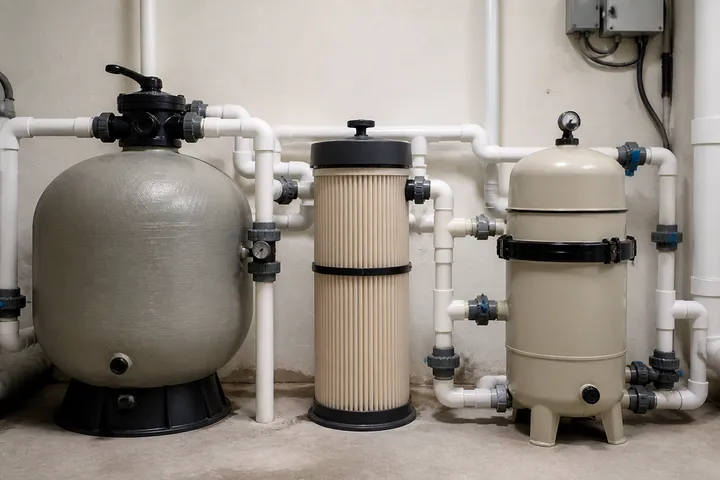
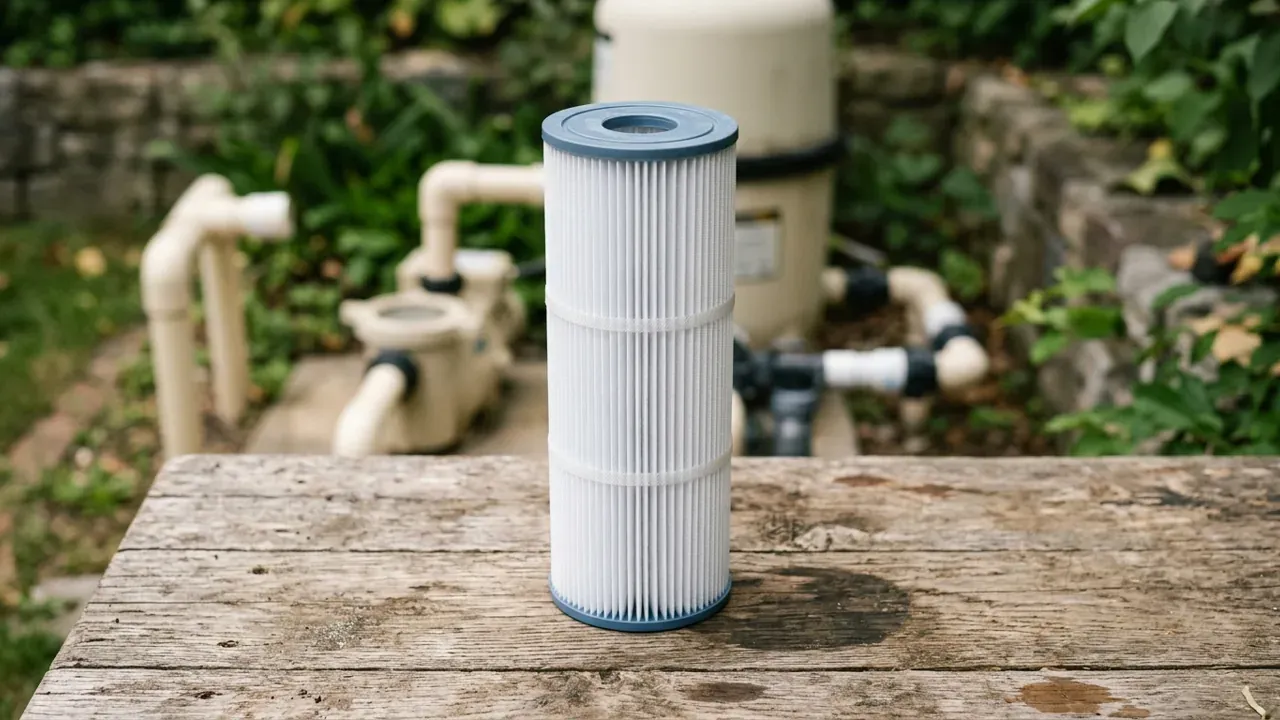
The order record and dimensional cross-check are editorial recommendations. They are not a manufacturer compatibility approval. No physical fit test, customer installation or cartridge-life test was performed for this page. The photographs show unbranded cartridge scenes and do not identify a Pentair model.
Sources
- Clean & Clear / Predator Filters Replacement Parts — Pentair Accessed October 15, 2026.
- Clean & Clear RP Filters Replacement Parts — Pentair Accessed October 15, 2026.
- Clean & Clear RP Installation and User's Guide, P/N 178742 Rev. D, 8/20/25 — Pentair Accessed October 15, 2026.
- Clean & Clear Plus Filters Replacement Parts — Pentair Accessed October 15, 2026.
- Clean & Clear Plus Cartridge Filters: Specifications — Pentair Accessed October 15, 2026.
- Clean & Clear Cartridge Filters: Parts Resources — Pentair Accessed October 15, 2026.